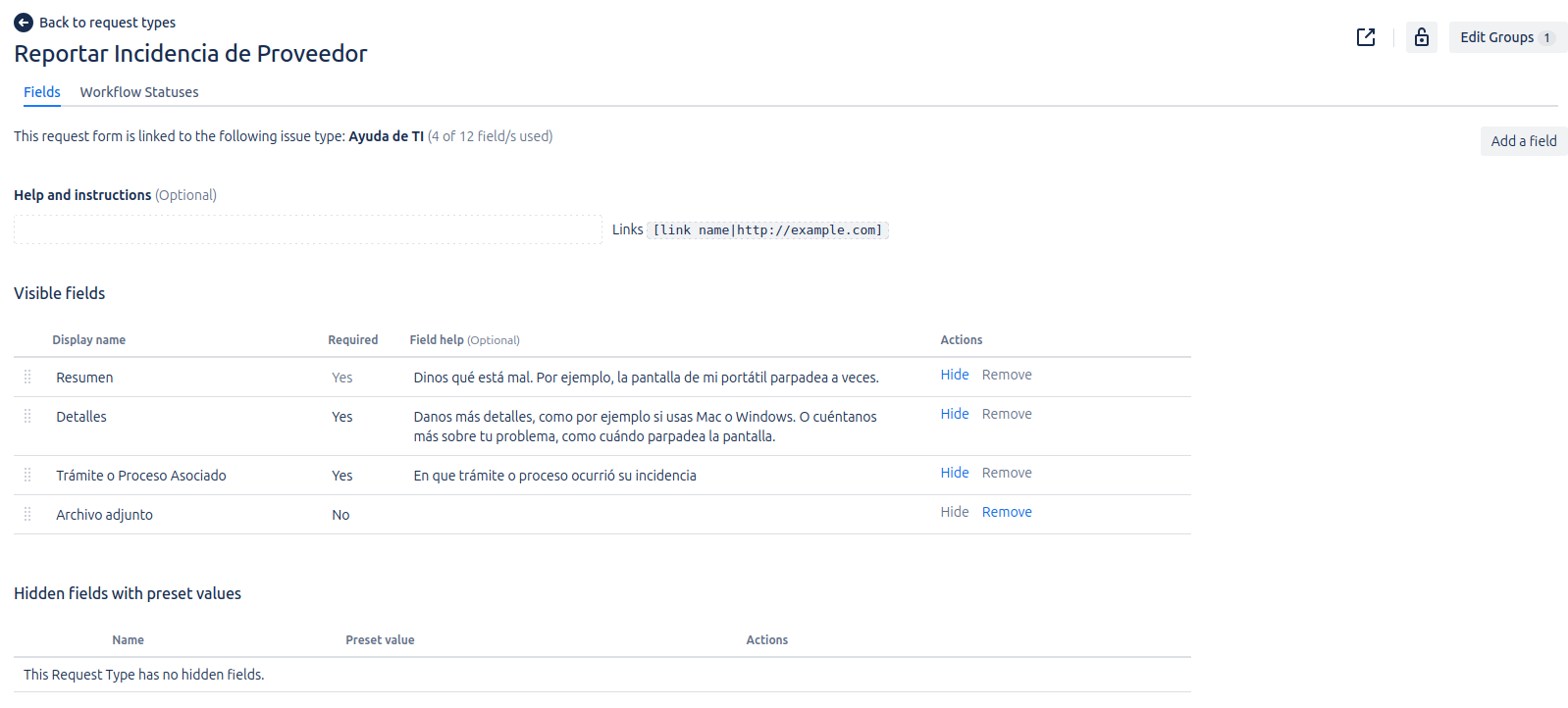
Adding the Field to the JSM Portal
To allow your customers to use the Jira Issue Picker field in the Jira Service Management (JSM) portal, you must associate it with request types and add it to the portal forms.
Steps to Add the Field to a JSM Form
- Navigate to Project Settings in your Jira Service Management project.
- In the sidebar, select Request types.
- Select the request type to which you want to add the field.
- Click on the *°°° option.
- In the "Fields" section, find the Jira Issue Picker field you created.
- Select the field to the desired section of the form.
- Ensure the field is set to visible and, optionally, required if necessary.
- Save the changes.
Once configured, the Jira Issue Picker field will appear on the JSM portal's request creation form for the selected request type, allowing your customers to select and link issues directly.