Entities and connection to the SFC
Open Jira settings → Apps → Smart Supervision for Jira. Each entity has its own configuration; activating, editing or disabling one does not change the others.
Create and activate an entity
- Add the entity and complete its configuration.
- Configure the connection for QA or Production with the data provided by the SFC: token URL, username, password, signing secret, and complaint, attachment, ACK, storage and consumer-information URLs.
- Set the retry policy by specifying the number of attempts and the wait between attempts.
- Use Test connection to check the credentials for the selected environment.
- Complete the Jira model and review the dependency and field diagnostics.
- Activate the entity only when all required items show OK.
Credentials are encrypted and are not displayed again. To switch from QA to Production, update the environment, endpoints and credentials; you do not need to reinstall the app. Never copy secrets into tickets or screenshots.
Diagnostics
Diagnostics report the state of each dependency: OK, Missing, Wrong type, or other availability or ambiguity issues. Refresh the check after changing the site. An entity cannot be activated while required dependencies or fields are unresolved.
Reference screenshots
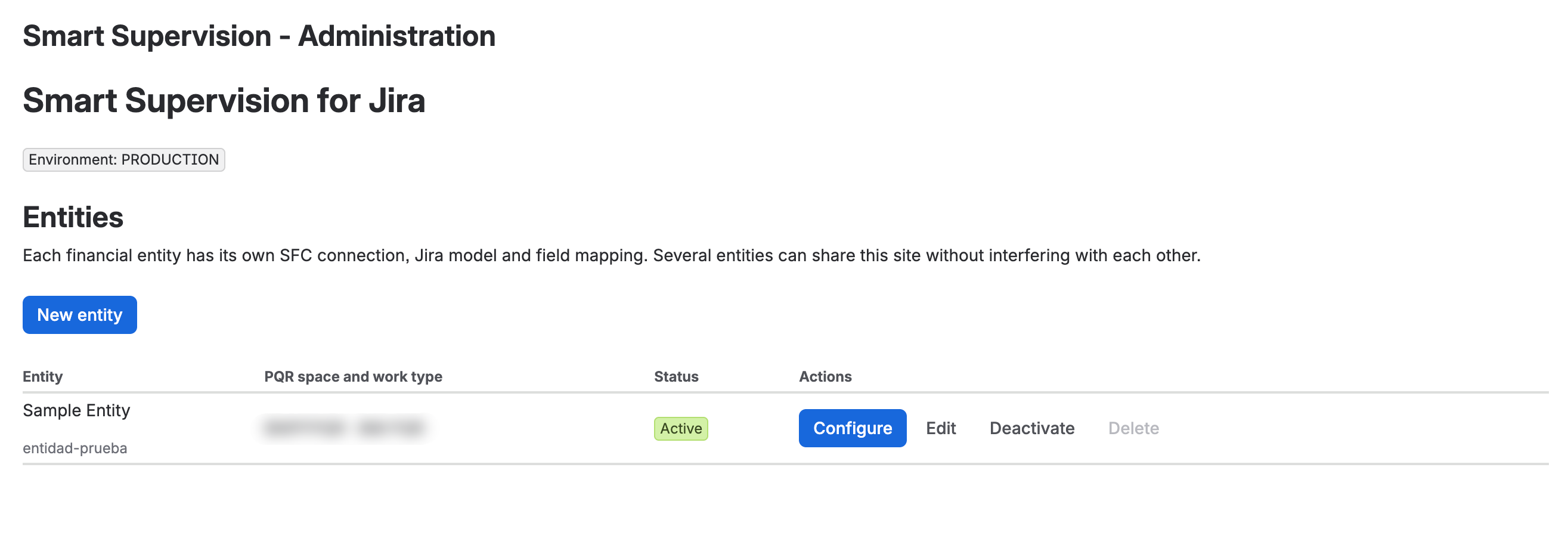
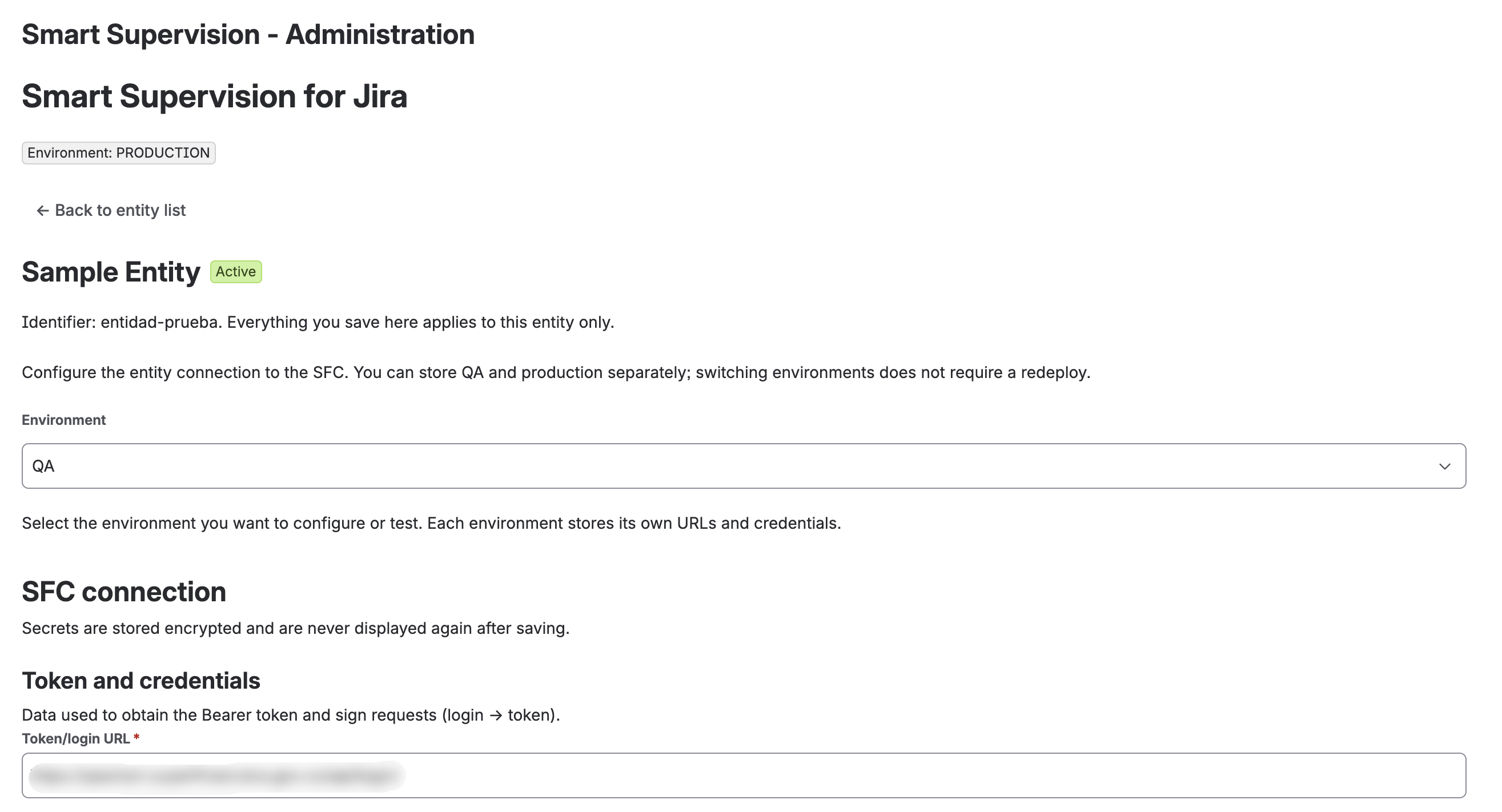
The Environment: PRODUCTION badge identifies the Forge environment; the QA selector refers to the SFC environment.