Captures, consumer information and history
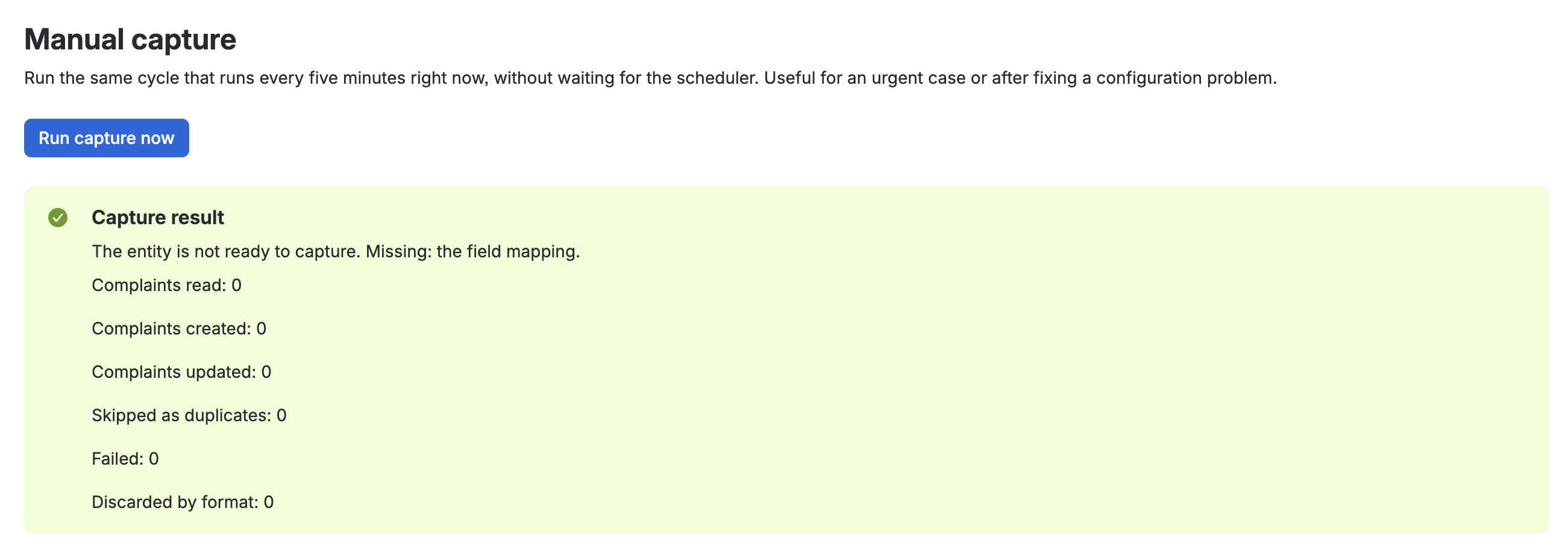
Manual capture
Intake runs automatically every five minutes for each active entity. To start an immediate run, use Run capture now in administration and review the result summary and Logs.
An authorized external integration can invoke capture through the external trigger URL. Generate, rotate and revoke its secret in administration. Share it only with the authorized system; never include it in documentation or screenshots.
Financial consumer information
The app checks hourly for updated consumer data and also supports a manual or external run. It applies changes to the consumer's open PQRs and confirms to the SFC only the changes that were applied. To investigate issues, review the entity history or the PQR Logs.
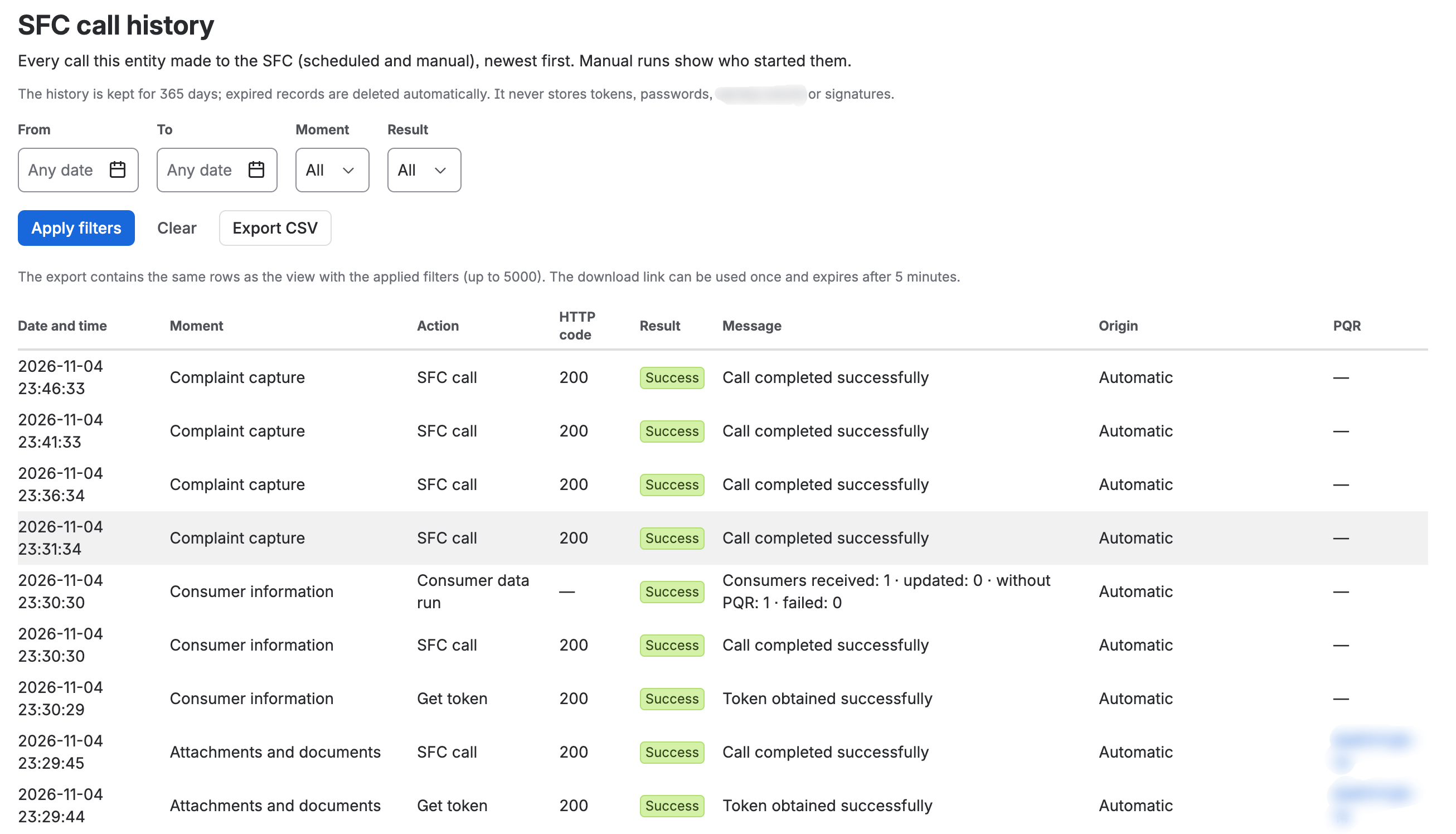
History and export
History is available on the PQR and in administration for each entity. The PQR shows calls related to that complaint; administration lets you filter entity runs by date, moment and result, including the user who started a manual run.
Export the filtered view to CSV for analysis. An export can contain up to 5,000 rows; its link is single-use. Jira may show an Opening external page notice when opening the file; this is expected. Records are retained for 365 days and must not contain tokens, passwords or signatures.
Reference screenshots