LogSense Settings — General
Per-space configuration is in Space settings under LogSense Settings (jira:projectSettingsPage). From version 2.1.0, values can inherit from site-wide global settings when the space has no override. The General tab has been redesigned in this release to improve visual hierarchy, labels, and the configuration flow.
Access
- Open the space in Jira.
- Open Space settings and select LogSense Settings.
- Open the General tab.
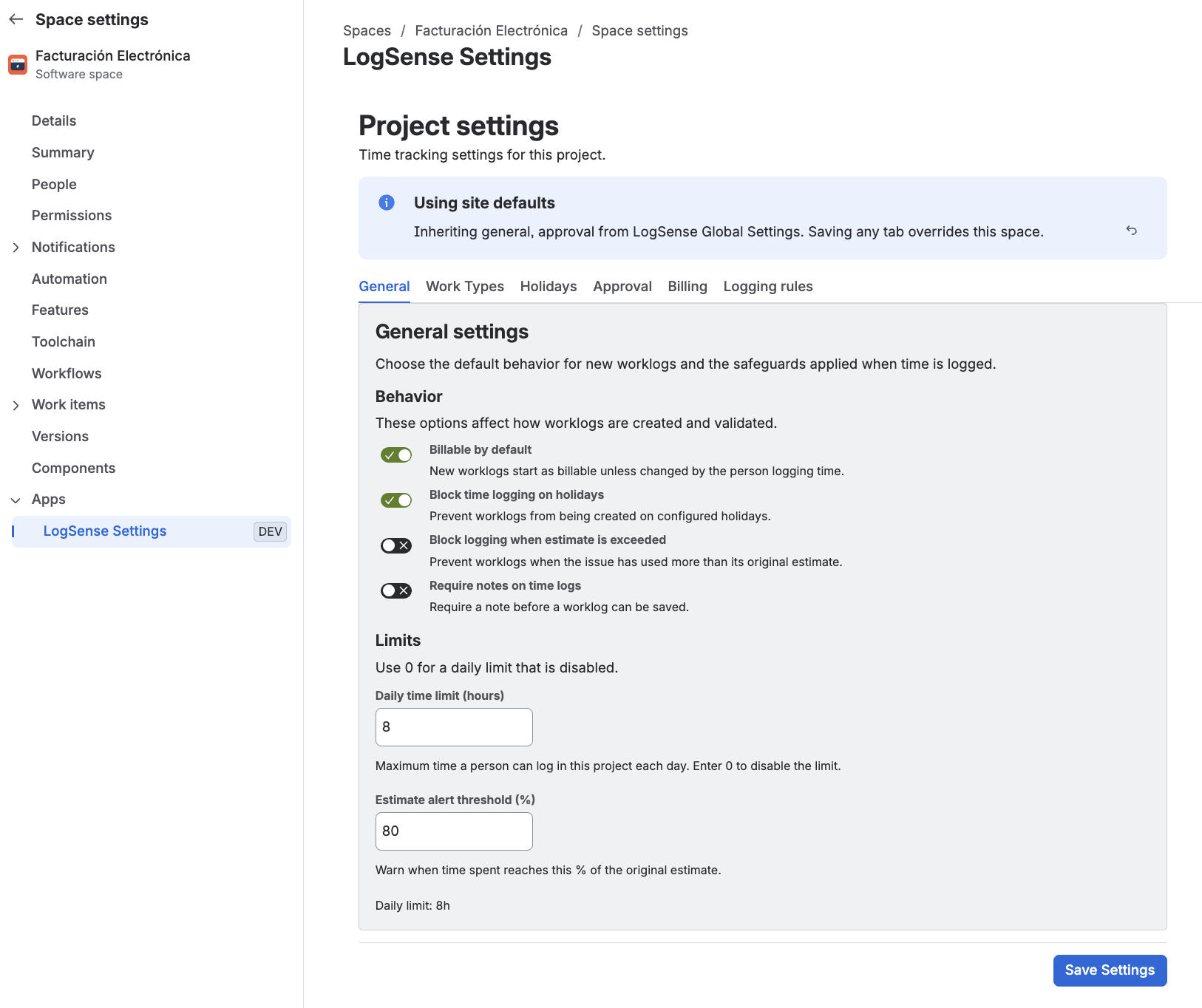
General tab options
Require notes
Controls whether the Notes field is mandatory when creating or editing worklogs in the space.
- Disabled (default): the Notes field is optional.
- Enabled: the user must complete Notes to save the entry. The form shows an asterisk (*) on the label and the placeholder omits "optional". If the user tries to save without notes, an error is shown and saving is blocked.
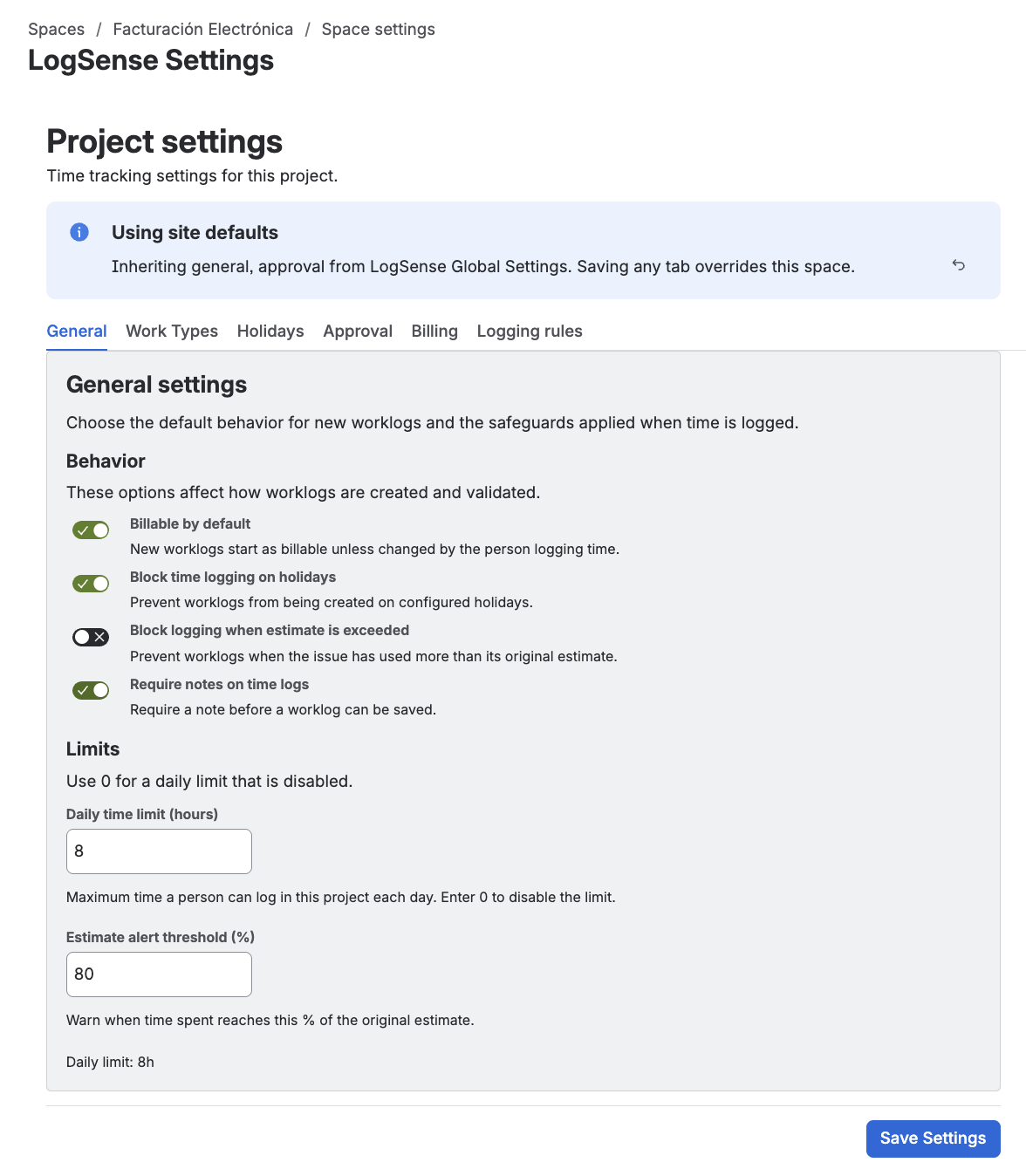
If the space has not saved its own value for this setting, it inherits the value from site-wide global settings. Saving a value in the space creates an override that no longer depends on the global setting.
Daily hour limit
Defines the maximum hours a user can log on the same day within the space.
- LogSense calculates the daily total via JQL (
worklogAuthor = currentUser(),worklogDate) and paginated worklogs. - The logging form shows a daily limit progress bar, without confusing values.
- If the API cannot verify the limit, the app does not block the user (fail-safe).
Default billable
Sets whether new entries are created as billable or non-billable by default. Users can change the value per entry.
Estimates
Controls how entries relate to the issue's original estimate (estimate progress bar in the logging form).
Holiday blocking
When enabled, prevents logging time on dates marked as holidays in the space calendar (Holidays tab).
Blocking depends on the selected form date matching a holiday configured in the space. See Holiday calendar.
Logging control by type and status
From this release, control of work item states and types allowed for time logging is managed in the Logging rules tab.
Inheritance from global settings
If the space has not saved its own values on this tab, LogSense applies defaults from Site-wide global settings (daily limit, default billable, estimates, holiday blocking, and Require notes).
| Action | Effect |
|---|---|
| Save changes in the space | Creates or updates the space override; stops using global values for those fields. |
| Reset to Site Defaults | Removes the space override and restores site values. |
Define corporate defaults globally and use per-space overrides only for exceptions (e.g. a client space with a different daily limit).
Best practices
- Set a daily limit aligned with the team's contractual workday (e.g. 8 h).
- Enable default billable on client spaces and non-billable on internal spaces.
- Configure holidays before enabling blocking to avoid unexpected rejections.
- Enable Require notes if your organization needs written context on every time entry.