Introduction to Stratify for Jira
Welcome to the official documentation for Stratify for Jira! 🎉
Stratify for Jira is a Forge app for Jira Cloud. It lets you plan work on a nested Gantt, with a customer-defined hierarchy, without writing to Jira until the planner syncs.
The UI follows the user language in Jira (Spanish (Spain) and English (United States)). The Parent Element field key and stored values do not change when the user switches language.
Who is this app for?
Stratify for Jira is built for PMOs, project managers, and portfolio owners who need to see work from several spaces on a Gantt, model a hierarchy that matches their operating model (OKRs, SAFe, Initiative → Epic → Story, or another site-specific tree), and simulate date scenarios that do not touch Jira until the plan is confirmed.
Capabilities in version 1.2.0 (Forge 3.4.0)
| Capability | Benefit |
|---|---|
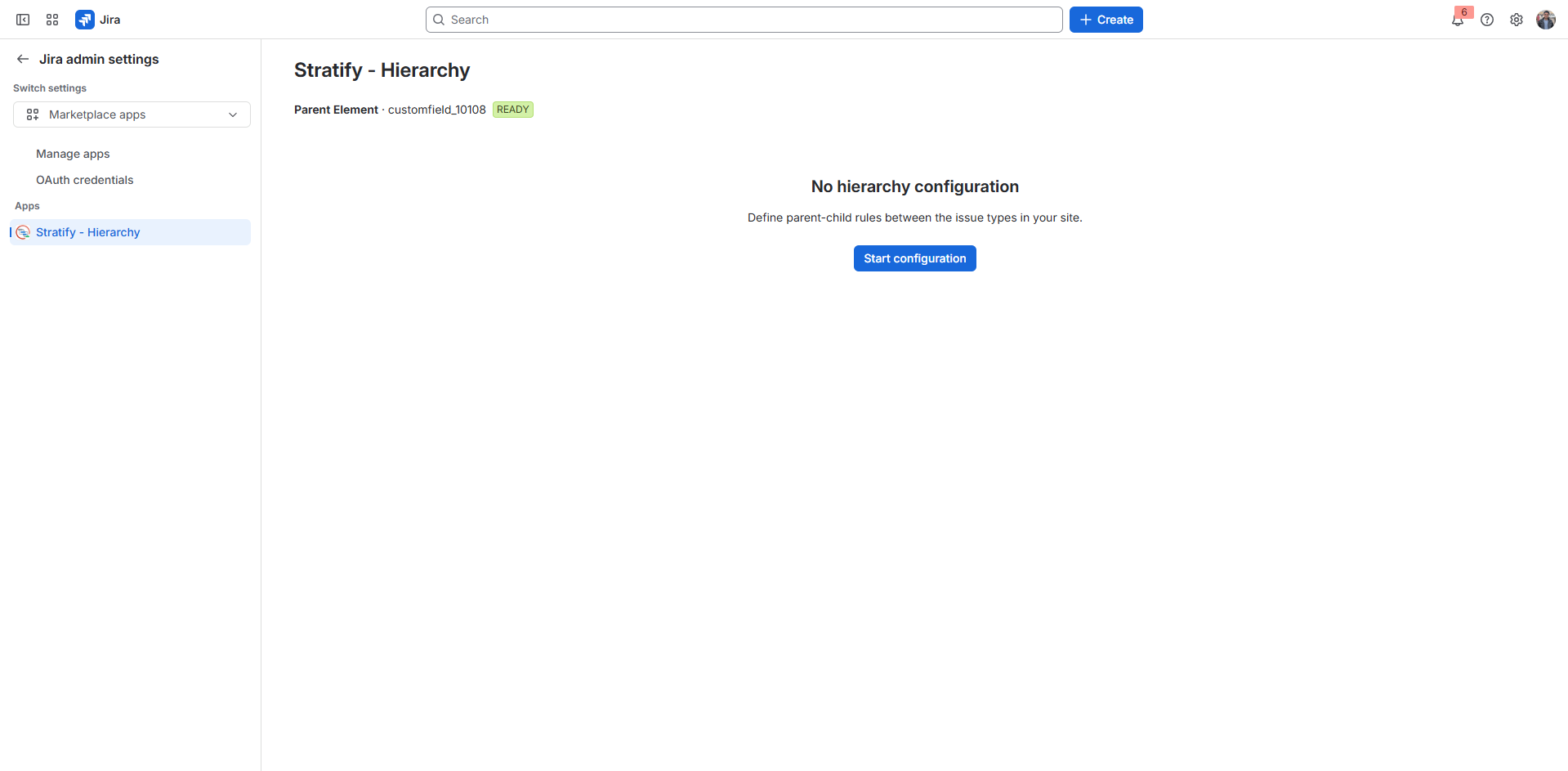
| Configurable hierarchy | Parent Element field and Parent → Children rules defined by the administrator. |
| Native Parent fallback | If Parent Element is empty, the Gantt nests with Jira's native Parent. If the field has a value, that value wins. |
| Sub-tasks in the hierarchy | Sub-task types can be included as children and appear in the Gantt under their native Parent. |
| Parent Element picker | Search by key or summary, recent or suggested results, and clearing the value. It only offers allowed parent types. |
| Work item preview | The row key or a click on the bar opens the work item details without leaving the Gantt. |
| Multi-project Gantt | One JQL feeds bars from several spaces, according to the user's permissions. |
| Saved plans | Keeps the JQL and view so you can reopen the same plan. |
| Sandbox (Draft) | Moving or stretching dates lives in draft until you click Sync. Each plan's draft is restored after a reload. |
| Bulk sync | Sends every draft change to Jira, with a per-work-item success or failure summary. |
| Estimate roll-up | Each parent shows the sum of Story Points or hours of visible children, including sub-tasks. |
| Optional date roll-up | A toggle extends the parent in Draft when a child slips past its finish date, including visible sub-tasks. |
| Blocks dependencies | Blocks / is blocked by arrows and visual alerts for date conflicts. |
| Jira theme | The app follows Jira's light or dark theme, including the Gantt. |
| Marketplace license | Paid app. Without an active license, features are blocked. |
| Language and branding | UI in es-ES / en-US and product logo. |
Not in 1.2.0: team capacity, budget, and real objectives. Those surfaces are not shown in the app; they belong to a later phase.
How the pieces fit together
- The administrator associates Parent Element with the relevant issue types and screens, then saves Parent → Children rules.
- The planner opens the Gantt, enters a JQL, and optionally saves a plan.
- Bars nest according to the hierarchy, the Parent Element field, and, when that field is empty, Jira's native Parent. Sub-tasks always hang from their native Parent.
- Date changes live in Draft. Jira is not updated until Sync.
- Roll-ups and Blocks arrows show effort and conflicts without blocking the draft. Roll-ups include visible sub-tasks.
Next step: Installation Guide.