Transmission status and history
On the PQR, open the SFC transmission status panel to check the status of each integration moment, linked documents and their attachments. The panel summarizes runs and highlights recent errors with a readable message.
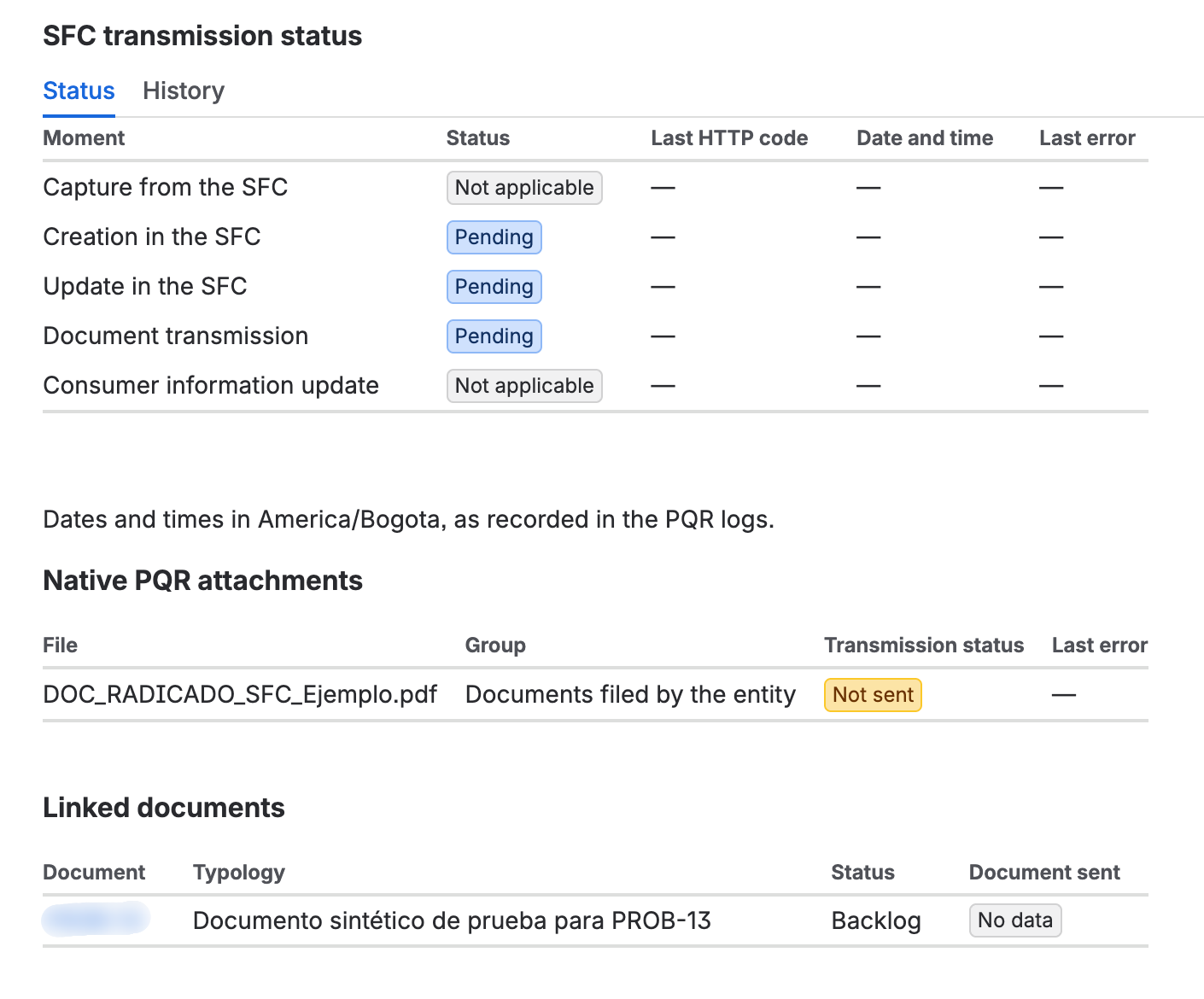
Open the History tab or section to review SFC calls, including their date and time, action, result and response. To analyze multiple records, ask an administrator to export a CSV from the entity history view.