Viewing shared documents
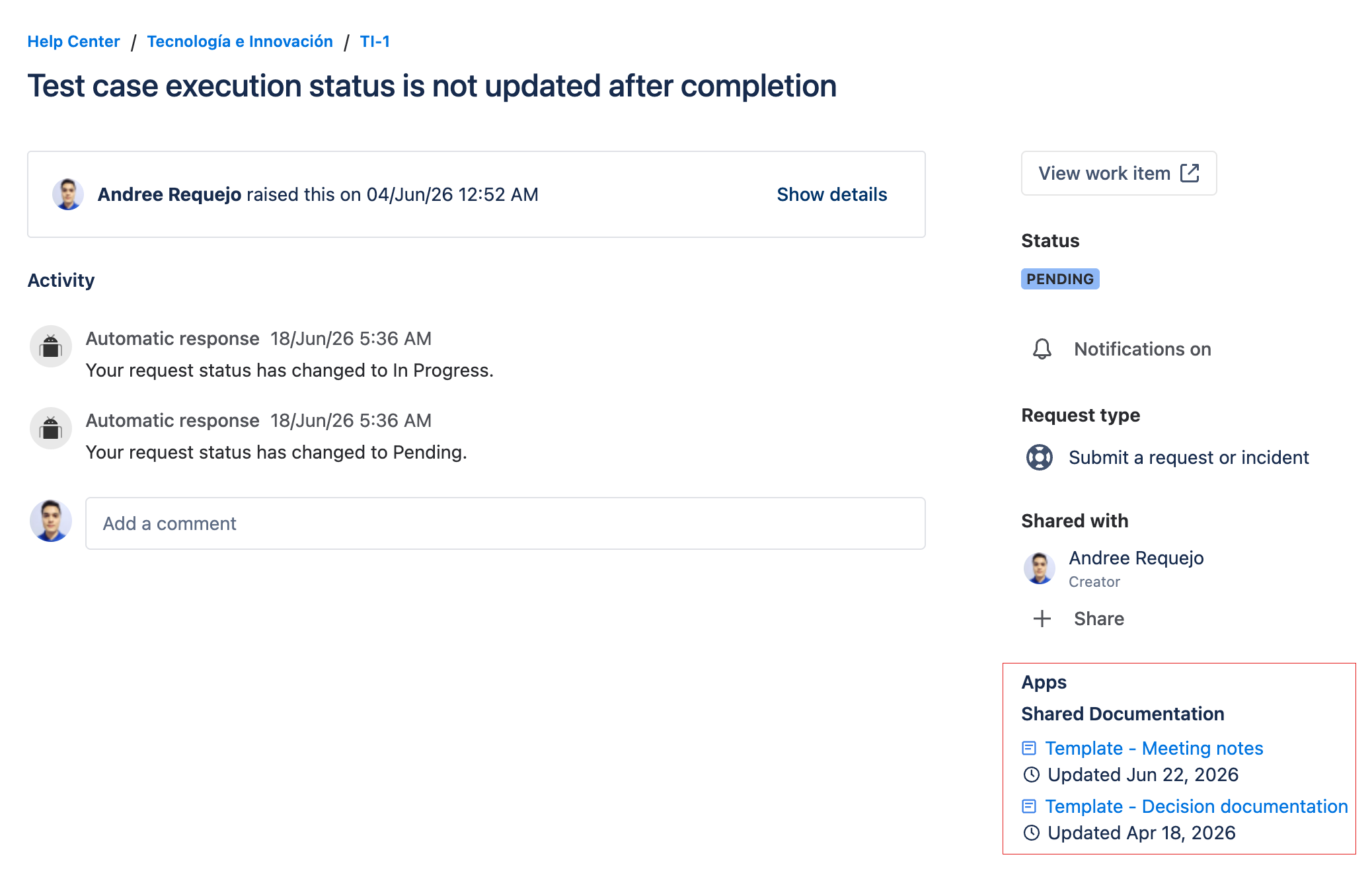
The Shared Documentation panel is displayed in the customer self-service portal within a JSM ticket.
Access
- Log in to the Jira Service Management portal.
- Open the ticket for which you want to view the documentation.
- Look for the Shared Documentation panel.
Documents shared by the agent appear as a list of links to Confluence pages. Below each link, the last modification date is shown in localized format (e.g., "Updated: Jun 12, 2026"), fetched in real time from Confluence.
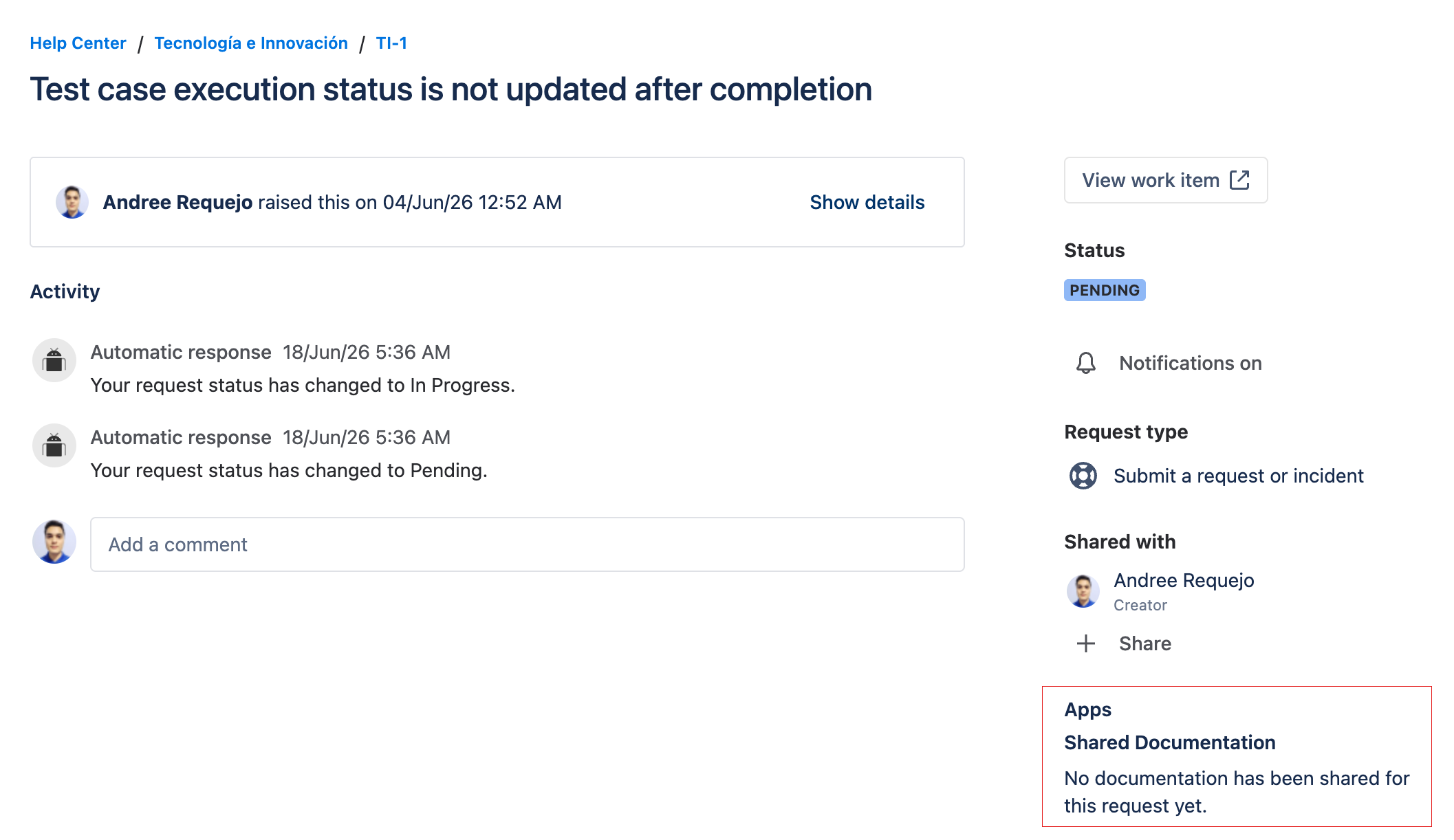
No shared documents
If the agent has not yet shared documents, the panel displays a message indicating that no documentation is available.
Documentation is not synchronized in real time. If the agent adds or modifies documents, you must reload the portal to see the changes.
The Case Documentation field the agent uses on transitions is not shown in the portal. However, Shared Documentation reflects the documents the agent adds on a transition as soon as they are added, even if the agent then cancels that transition. As always, reload the portal to see the changes.