Work item panel
The Cross-Site Sync panel shows the link status, the remote work item, and the actions available to your account. When no link exists, you can start an escalation, review what will be created, and choose a rule.
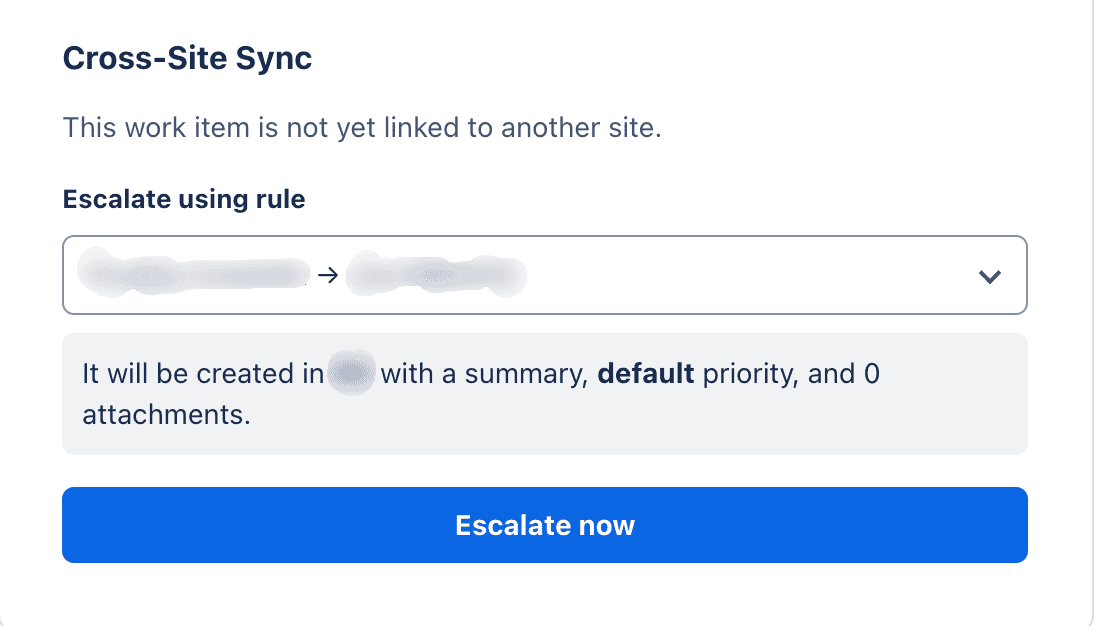
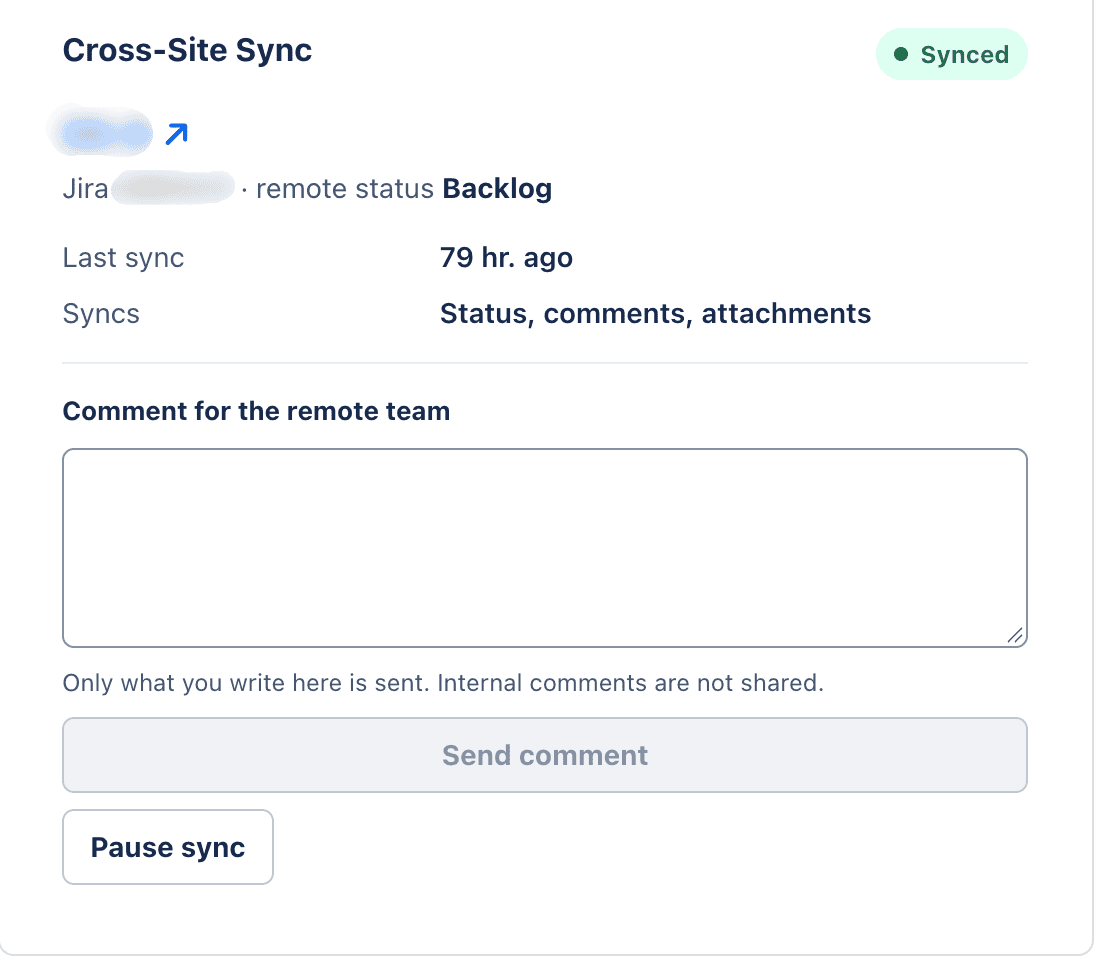
When a work item is linked, the panel provides a link to the remote work item and shows the sync status, the remote work item's status, the last sync time, and what is being synced. Jira also keeps a native remote link between the two work items.
Link statuses
| Status | Meaning |
|---|---|
| Unlinked | No remote work item is associated. |
| Creating | The app is creating the remote work item. |
| Synced | The remote work item is associated and syncing is active. |
| Error | The latest operation did not complete. The message explains the problem, and the user's changes are kept. |
| Paused | Syncing is stopped. Pending jobs are kept and can continue when you resume. |
| Archived | The remote work item remained in Done for the configured period; the app stops checking it for status changes. |
| Unlinking | The app is removing the sync relationship. |
| Relinking | The app is associating the local work item with an existing remote work item. |
If the remote work item is deleted, the app detects that it is unavailable and shows an error on the link. The local work item's status does not change when the remote status changes. Remote changes are reported in a comment on the local work item; the notice does not run a local transition.
Available actions
Depending on the status, rule, and your permissions, the panel may offer:
- Escalate now: choose a rule, review what will be created, and confirm escalation.
- Relink: when a link is already Unlinked, associate the local work item with an existing remote work item without creating a duplicate.
- Send comment: explicitly send a comment to the remote team. The panel clarifies that internal notes are not shared.
- Retry, Notify the administrator, Pause sync, or Resume sync: resolve a failed operation, notify the administration team, or stop and continue syncing. The administrator notice appears in the administration overview; it is not sent by email.
This version's interface does not provide an Unlink action. As a result, you cannot start the flow that leads to the Unlinked state from the panel, and Relink is not available as a complete procedure. Pause sync only stops sending changes temporarily; it does not remove the link.
Comments and attachments
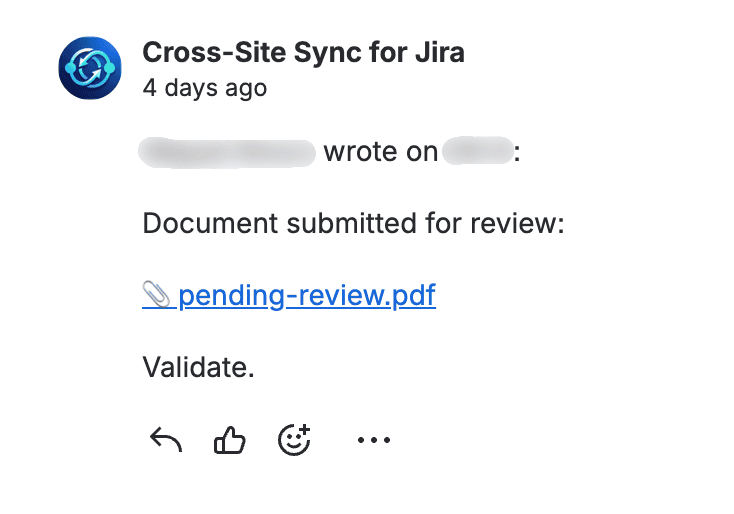
Comments received from the remote site include an authorship header. Jira Service Management keeps the internal or public visibility configured in the rule. Comments written by the technical account are not imported again.
When a synced comment cites an attachment, the app copies the file to the destination before posting the comment and adds a link to the copy. This also applies to PDFs and other non-image files.
New attachments covered by the All new policy are also copied after the initial escalation. Transferred images are attached to the destination work item; they are not displayed inline in the comment.