Plan, questions, and lookups
When you assign a work item to the agent, mention it in a comment, or talk to it in Rovo Chat, the agent starts by understanding the request. If it is a question, it answers. If it is a change, it explains what it will do.
How to start work
| Method | What it does | Where the reply goes |
|---|---|---|
| Assign | The agent appears in the Assignee field and works on that work item. | In the agent's panel. Nothing is posted to the work item. |
| Mention | The agent receives the instruction in a comment. | As an agent comment on the work item, replying to the comment that mentioned it. |
| Rovo Chat | Opens a private conversation to give instructions or feedback without a new assignment. | In the private conversation. |
The Rovo Chat conversation is private to the person writing. It is not automatically copied to the work item and does not open another active task.
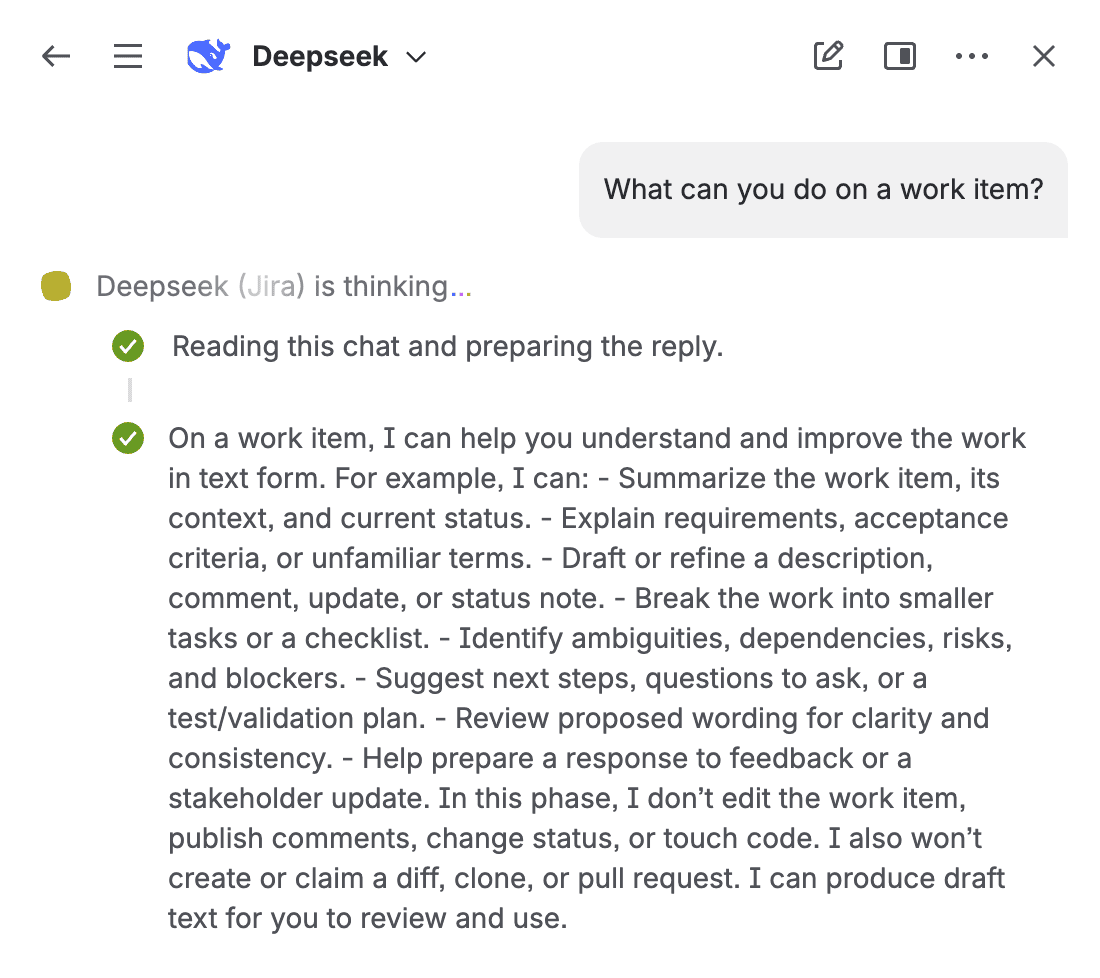
Reply as a comment when mentioned
When you mention the agent, its final reply is posted as a comment on the work item, replying to the comment that mentioned it. If Jira does not allow replying to that comment, it posts a regular comment that quotes the original.
- Only final replies are posted. If something fails, the reason stays in the agent's panel, not on the work item.
- The comment keeps its formatting: tables, code blocks, and lists.
- The agent's comment does not mention the agent again, so it does not start another task.
Acknowledgement
The first thing the agent returns is an acknowledgement. The long-running work does not happen inside that first response.
What the agent reads
| It reads | It does not read |
|---|---|
| The work item summary and description. | Binary attachments. |
| The work item comments. | Secrets or credentials. |
| Text attachments. | The Jira token. |
| The work item's links: repository, branch, pull request, and linked pages (title and URL). | The content of linked pages. |
| The repository structure, in read-only mode, when it plans, answers, or reviews. |
If there are binary attachments, the agent skips them and says so in the conversation.
Questions without code
If the mention asks something without requesting a change, the agent answers from the work item. It does not open the repository or prepare a change. For example:
- "What is left to close this work item according to the comments?"
- "Summarize the acceptance criteria in three points."
- "What risks do you see in the approach proposed in the description?"
Questions about the code
If the question is about the code, the agent reads the repository in read-only mode and answers. It does not commit, push, or open a pull request. For example:
- "Where is the sign-up form validated in the linked repository?"
- "What does the cited branch change compared to the main branch?"
- "Does this module have tests?"
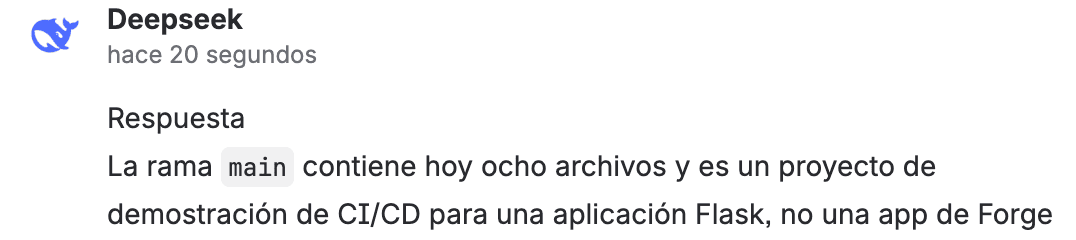
How it finds the repository and branch
The agent looks for what to work on in this order:
- A Bitbucket URL written in the work item. It also accepts the URL that Jira copies from the Development panel.
- The work item's links: repository, branch, and pull request.
- An open Bitbucket pull request that cites the work item key. If the work item only cites the repository, it looks for that pull request there.
- The last pull request the agent opened for that work item.
If it does not find a target or there are several possible ones, it asks before continuing.
Plan with the repository in view
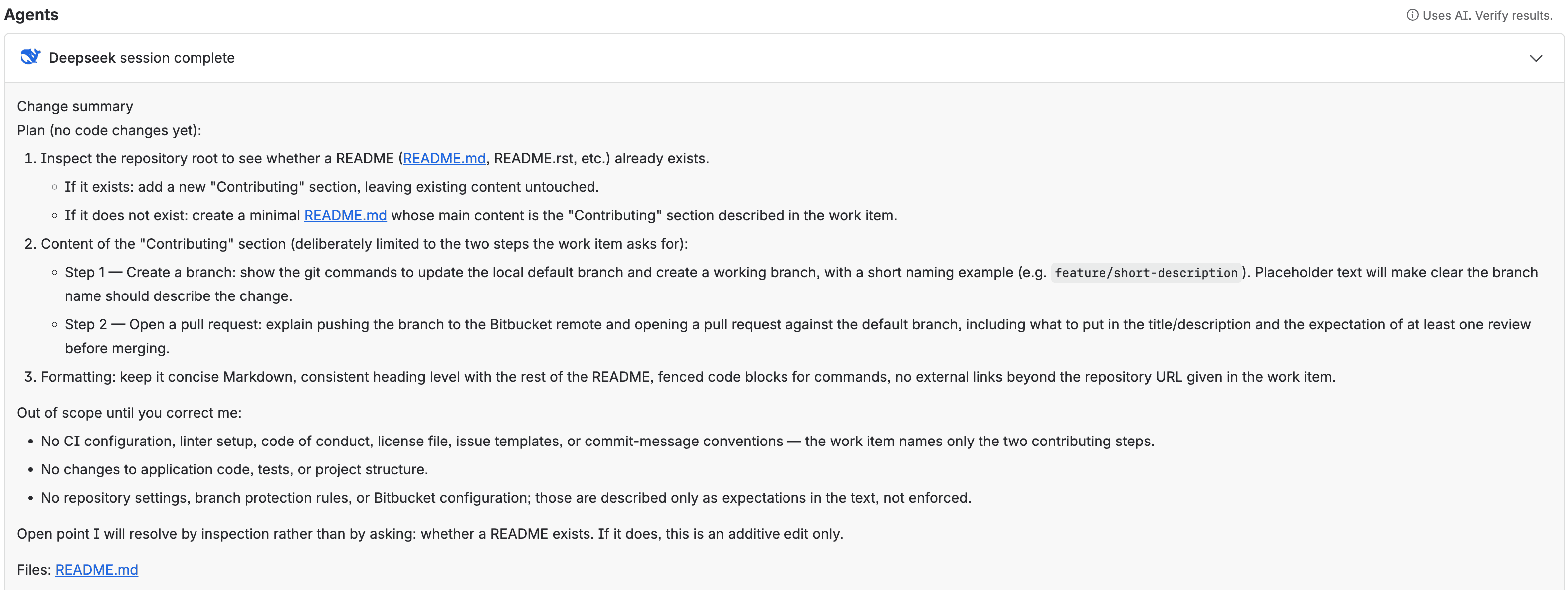
When the request is a change and there is a single repository, the agent reads it before proposing the plan. Without modifying them, it reviews the manifest, the package.json files, the AGENTS.md file, and the main entry points. This way the plan already knows the repository structure.
If the target is ambiguous, it asks before planning.
Plan language
The agent explains the plan in the work item's language. In Spanish it uses Jira's current terminology: spaces and work items.
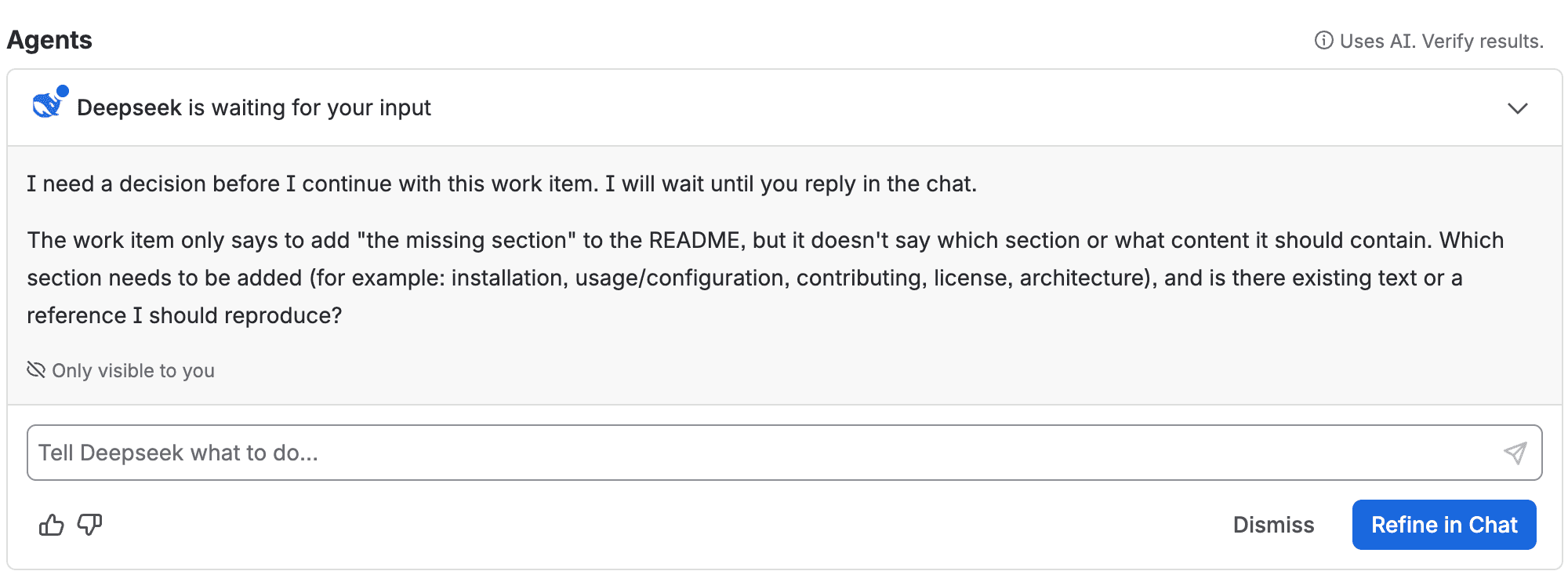
Agent questions
If a critical decision is missing, the agent asks and waits for the answer in the chat. It does not continue until it has one.
- Questions are asked only during planning.
- During implementation there are no questions or permission prompts.
- If the site does not have the model or Bitbucket access configured, the agent asks an administrator to complete the configuration.
- If implementation is blocked by missing information, the task ends with the reason and a suggested question. You can continue with a mention.
Official Forge documentation
When the work item is about a Forge app, the agent follows Atlassian's official guides to build, debug, review, or optimize the cost of the app, and looks up the current documentation on developer.atlassian.com. It does not create, deploy, or install apps.
Data sent to the provider
The agent sends the work item text, comments, text attachments, the title and URL of the links, and the repository files it reads to the model provider. When it implements, it also sends the relevant diff. It does not send secrets or the Jira token. See the Administrator Guide for details.
Next step: Draft pull request.