Links, activity log, and settings
The Operations tab helps you find linked work items, review errors, and check activity. The Settings tab lets you change activity log retention, expiry notices, and the maximum concurrent jobs per connection.
Review and resolve links
The links table shows the source and remote work items, status, rule, and last sync time. Search by work item key and filter by status. Open a link to read a plain-language error, review its activity timeline, retry an operation, or edit the rule mapping.
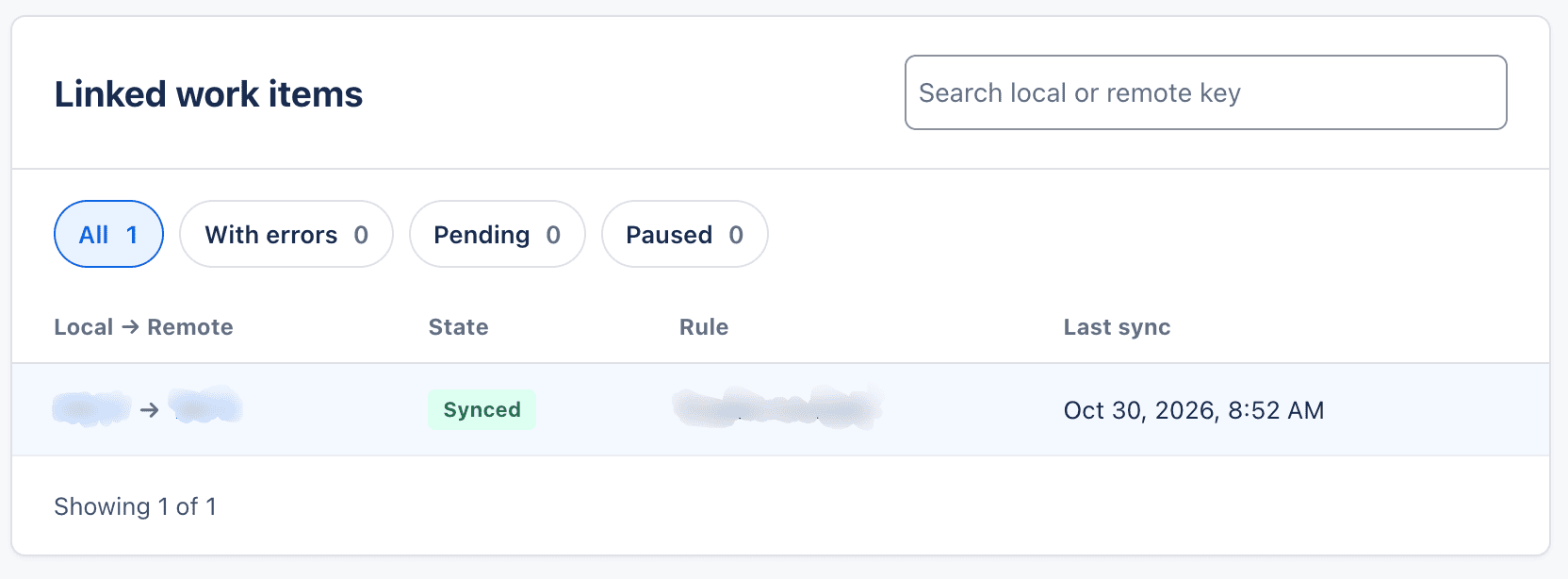
When the remote work item is created, Jira adds a native remote link to both work items. If the remote work item is deleted, Cross-Site Sync detects that it is unavailable and shows an error on the link and in the panel. The link is no longer presented as an active sync.
If the remote work item remains in Done for the period configured in the rule, the link is archived and the app stops checking it for status changes.
Check the activity log
The activity log shows the operation, result, time, and a message to help you understand what happened. Review the activity for a link or search for work items to find an operation.
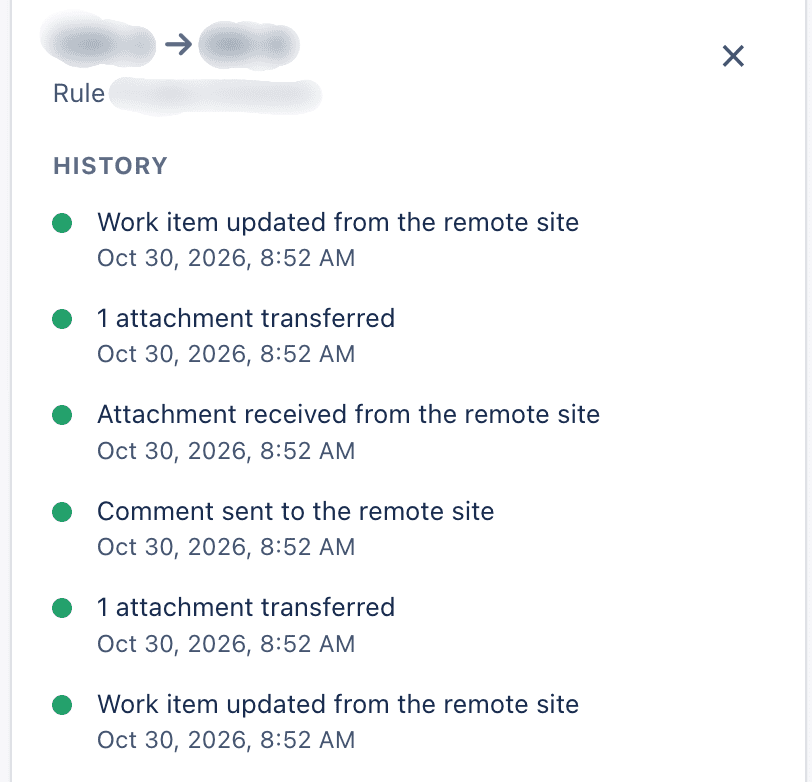
The log keeps activity for the period selected in Settings. It does not store comment text or attachment content. If an operation fails, check the message and connection; depending on the error, retry or fix the mapping from the link details.
When someone requests Sync now from the panel, the link's activity log records who requested it and when.
Adjust the app
Administrators can change:
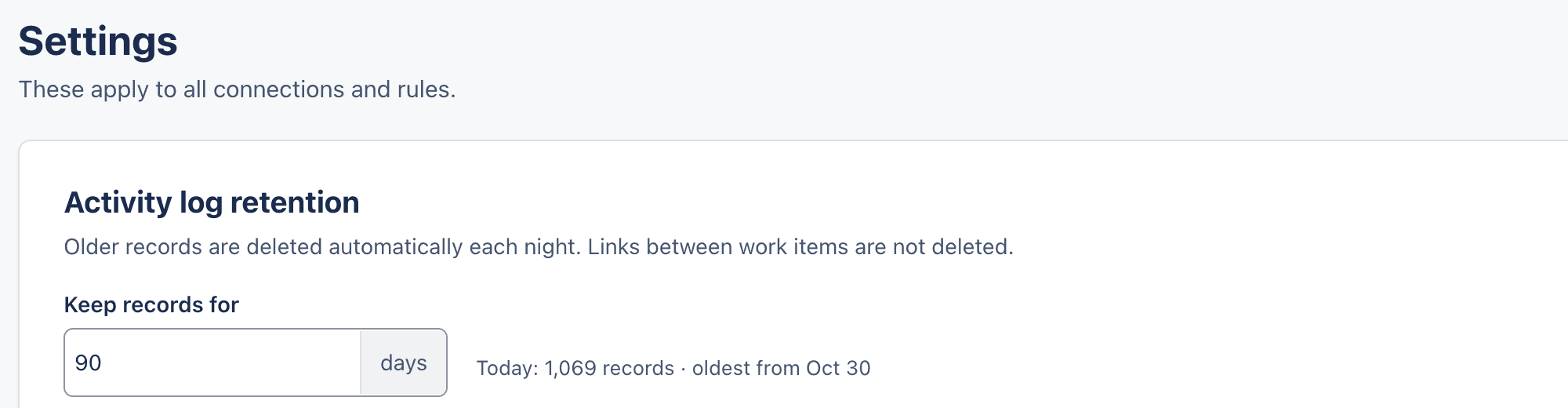
- The number of days to retain the activity log.
- The first, second, and final thresholds for token expiry notices. The values must be in order.
- How many jobs can run at the same time per connection.
The page explains the effect of retention and confirms when changes are saved. Expiry notices are sent by email and appear in Summary.
Pausing a sync temporarily stops sending pending changes. When you resume it, the app can continue with the changes it kept. Deactivating a connection pauses its rules but does not remove existing links.