Parent Element field
The Parent Element field (Elemento Superior) is the foundation of Stratify’s hierarchy. It links a work item to its logical parent (for example Initiative → Epic, OKR → Initiative, or whichever model your site uses).
When you install or enable the app, Stratify creates the field or reuses an existing one with the same purpose. The module key (parent-element) and the stored value do not change if the user switches Jira language.
Parent Element vs Jira’s native Parent
| Parent Element (Stratify) | Native Jira Parent | |
|---|---|---|
| Purpose | Customer planning hierarchy (several levels, several types). | Standard Jira parent/child (Epic, sub-task, and so on). |
| Who defines it | The administrator, with Parent → Children rules. | Jira’s issue type model. |
| Use on the Gantt | Nests bars and drives roll-ups. | Does not replace Parent Element. |
You can use both. Stratify does not replace native Parent.
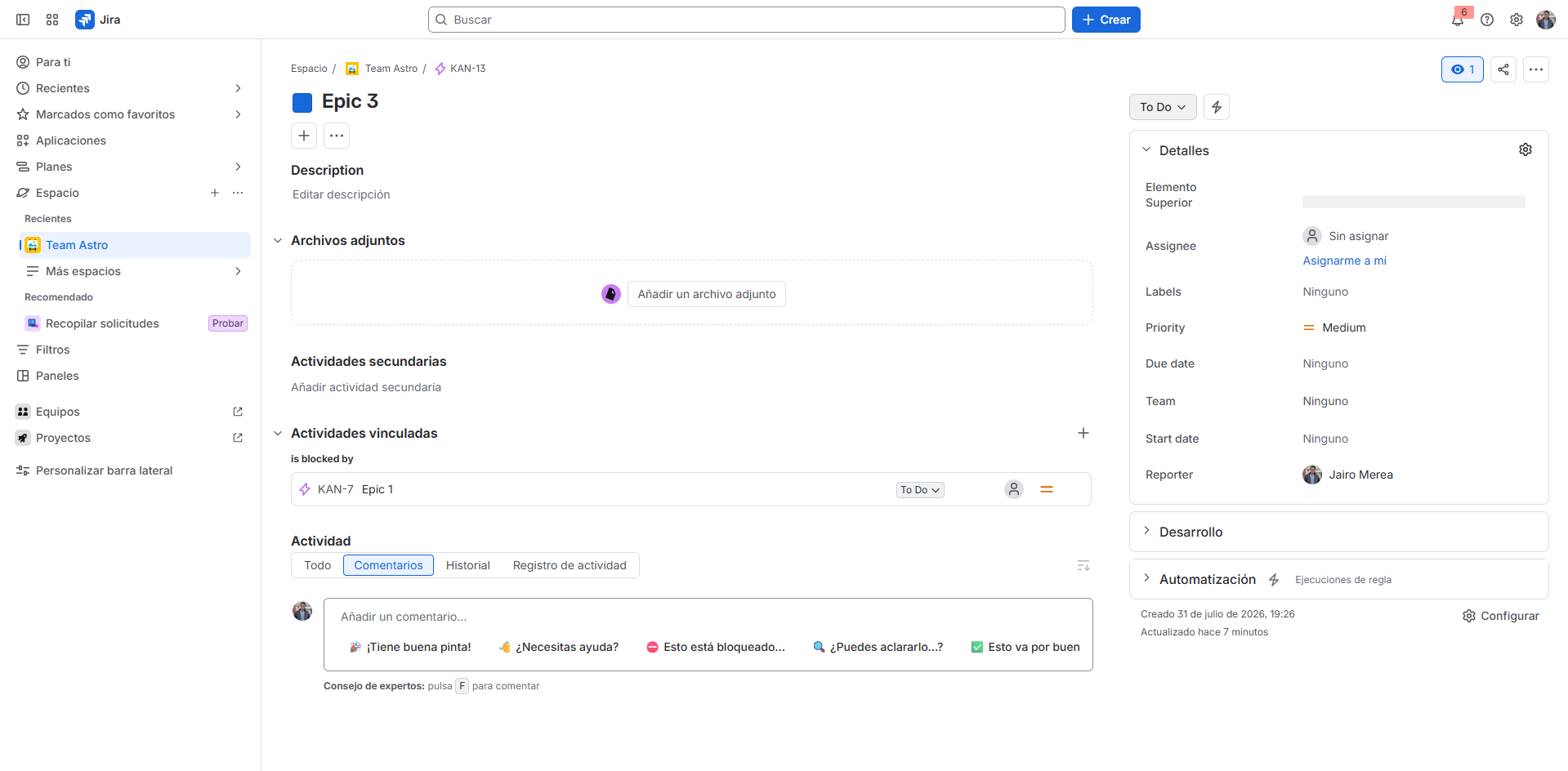
Associate the field with types and screens
- In Jira, go to Settings (⚙️) → Work items → Fields (or Custom fields).
- Find Parent Element / Elemento Superior.
- Associate it with the contexts, issue types, and screens (create, view, edit) for the projects you will plan on the Gantt.
- Confirm that planners can view and edit the field on those types.
Without this association, the Gantt cannot resolve parents and children even if JQL returns issues.
Picker filtered by the hierarchy
When you edit Parent Element, the picker only offers work items whose type can be a parent of the current issue, according to the Parent → Children rules in the hierarchy panel. If the type has no allowed parents, the picker does not invent candidates.
Saving the field from the Gantt re-nests the bars immediately, without a page reload. The change can stay in draft until you sync. See Sandbox and sync.
Field name language
With locale es-ES, the visible name is Elemento Superior. With en-US, Parent Element. The value (linked issue) is the same in both languages.
Next step
Configure which types can be children of which parent: Hierarchy panel.